Associating emails with the email's text and attached documents
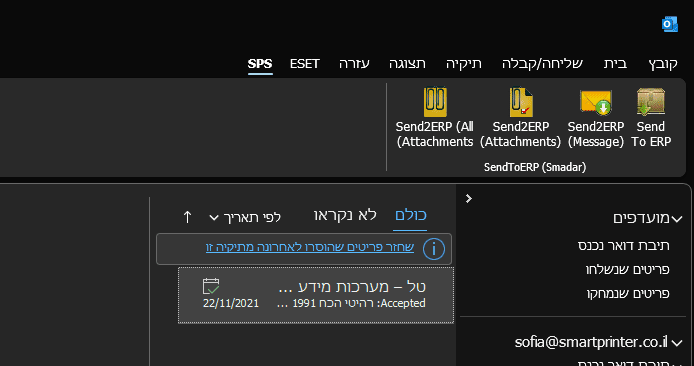
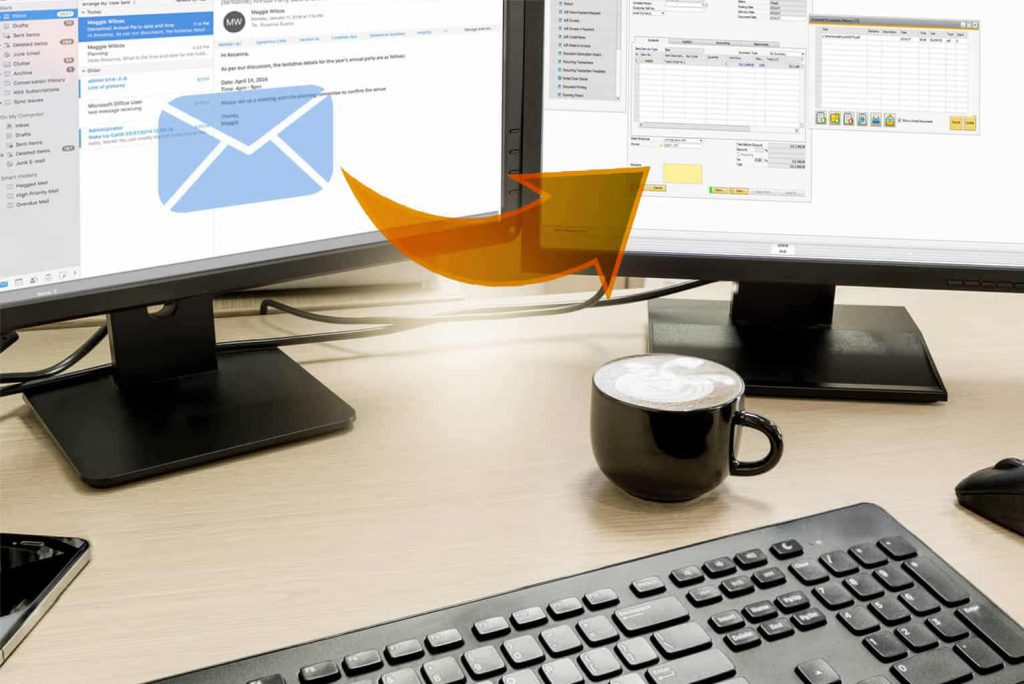
The system will automatically assign both the text of the email as well as the files attached to it
The document is attached as a PDF file to the corresponding screen
The document is attached as a PDF file to the corresponding screen
Works with all commonly used ERP systems
Whether you are working with Priority, SAP, Hashavshevet or any other common ERP, you are able to use SMADAR
Certified Digital Signature
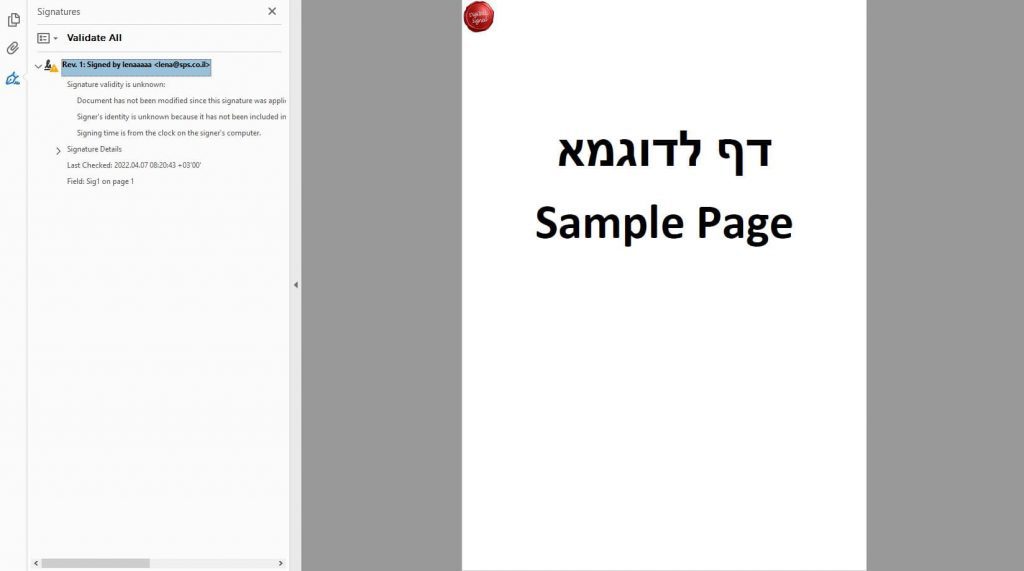
Any file transferred is signed by a legally admissible digital signature
Instead of wasting precious time and paper by printing emails and files (sending supplier invoices and others) and then scanning them into the ERP system, the Send2ERP systems enables you to associate the emails with their attached files or other files with the desired screen in the ERP system, at a touch of a button. The files are digitally signed which makes them legally admissible.
Send2ERP
Assigning emails
There is no need to print out the emails and then scan them into the ERP system. Simply select the email and the system itself will create a PDF file which will then be attached to the screen to which you wish to attach the email. It is of course possible to work with Outlook and other Microsoft Office software
Send2ERP
Assigning files
There is no need to print out the files and then scan them into the ERP system. Simply select the email and the system itself creates a PDF file which will be attached to the screen to which you wish to attach the email. It is of course possible to work with Outlook and other Microsoft Office software
Send2ERP
Digital signature
Any file transferred is stamped with a legally admissible digital signature, so it is not just about uploading a signed document, but rather a digital signature which is a legally certified
Send2ERP
Works with all commonly used ERP systems
The software knows to attach files and emails to all commonly used REP systems such as Priority, SAP, Hashavshevet, Salesfoce, Oracle and more